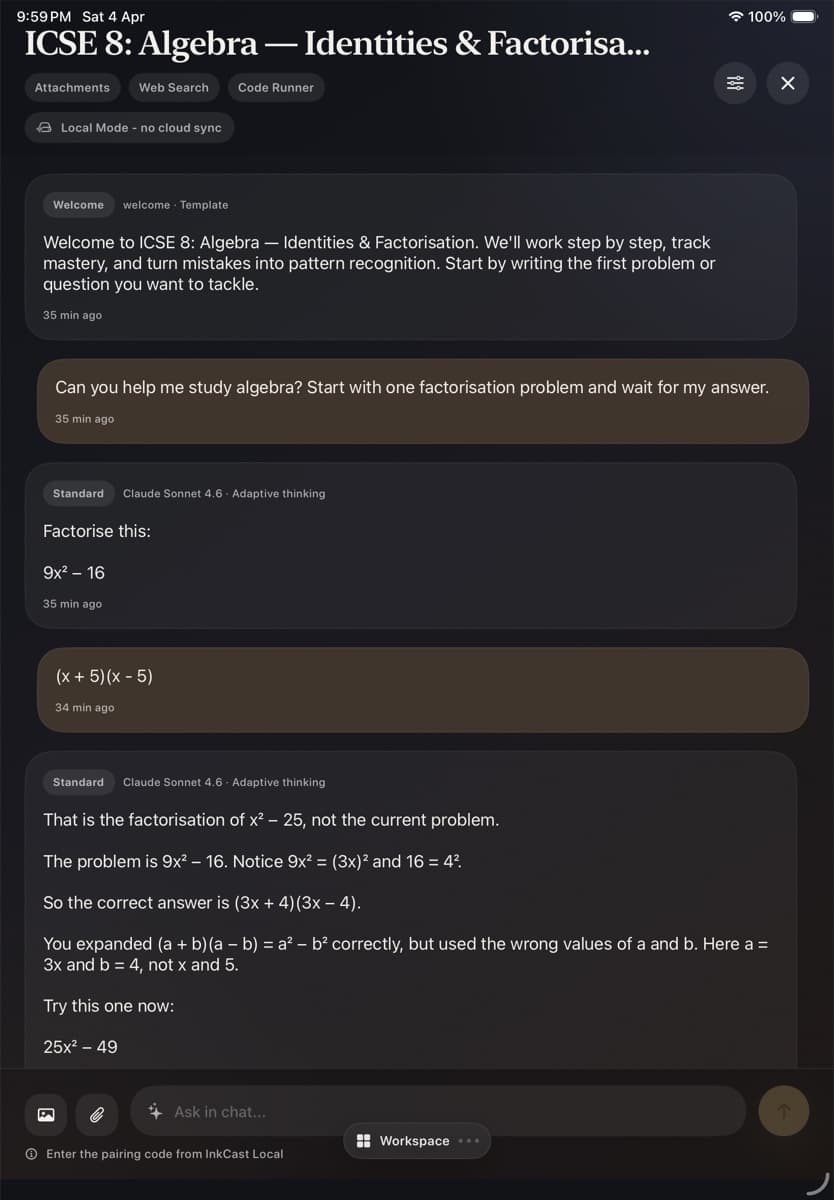
Visual reel
Canvas → response → next thought
Farfield / creative tools for sustained thought
Farfield makes creative tools where handwriting, language, narrative, and code become material you can think with. Belletrist is the flagship notebook: a place to begin with the real page in front of you.
Field note 01
An intelligent page should still feel like yours.
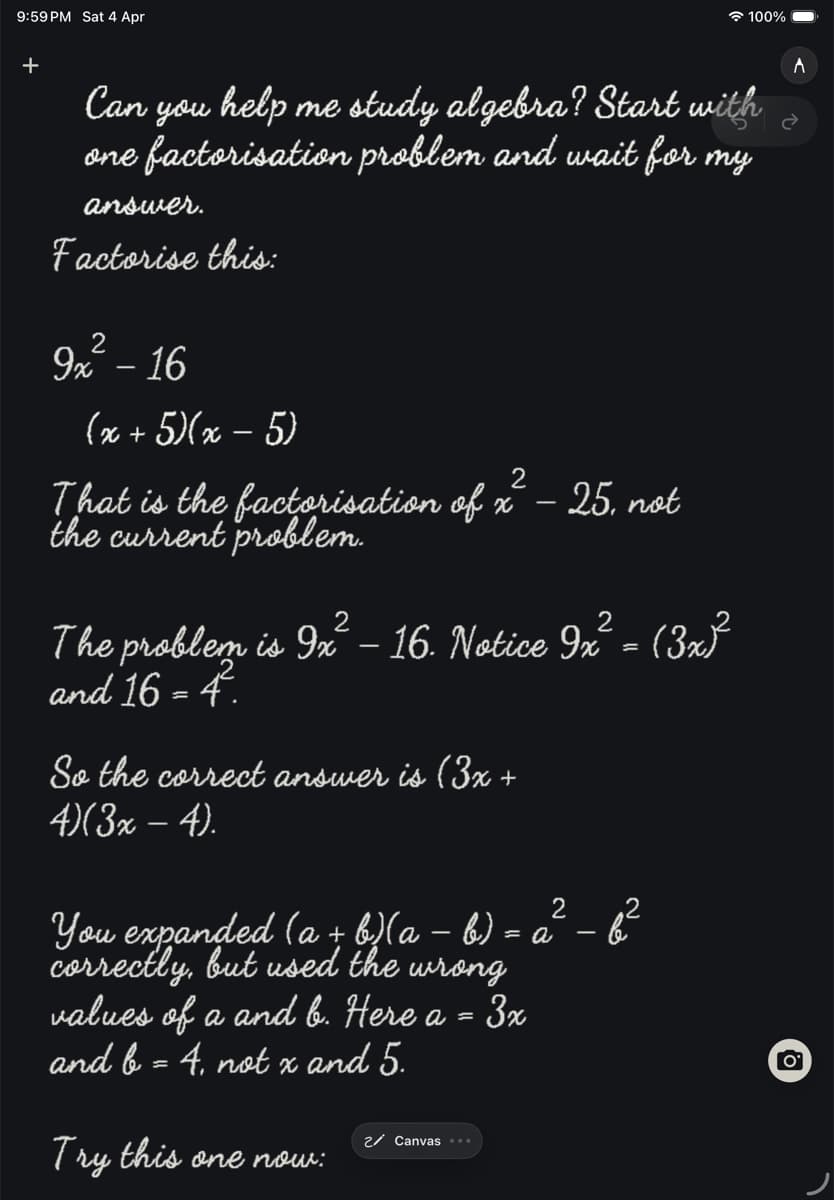
A little moving picture
A preview built from the app's current surfaces. The full App Store feature reel will join it when the final recording is ready.
Canvas → response → next thought
Ink, diagrams, crossed-out attempts, passages, photographs: keep the useful mess instead of translating your thought into a chat prompt.
The assistant meets the current page, rather than making you reconstruct context in a blank box. Speak, type, or write the next turn.
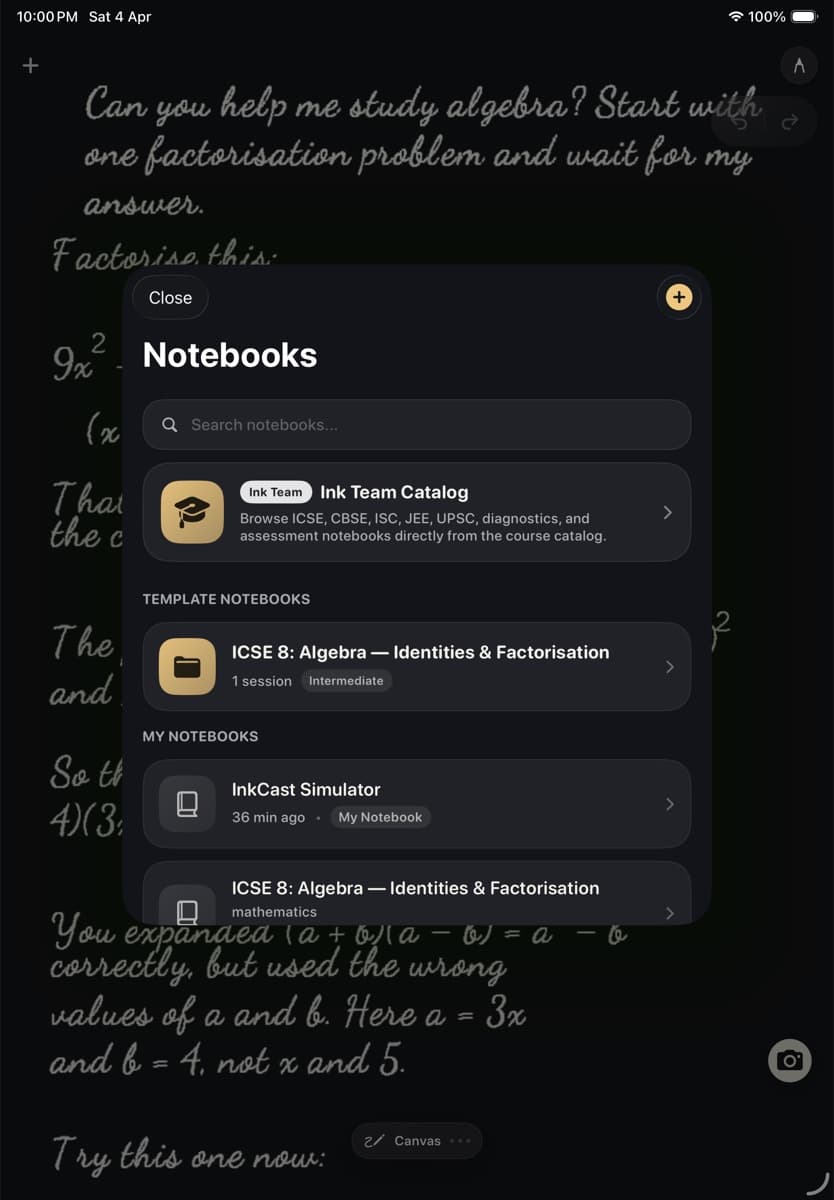
Notebooks, books, courses, projects, and little tools can live together—then become something you can return to.
Not another command centre
Farfield is for people who do their best thinking at the moment an idea touches paper—not only after it has been cleaned up for a machine.
The intelligence should be there when you ask for it, and quiet when you need to wander. That is the whole point.
The Farfield tools
Farfield is the maker. Belletrist is the notebook you can use now. Linguist and Storyboard are focused instruments in development; Ink Studio Bridge brings a nearby Mac into the work when you need it.
The flagship notebook
A page that can listen, see, read, remember, and answer back in handwriting. Your long-form space for thought.
A language instrument
A notebook built around reading, listening, vocabulary, and the little returns that make a language become yours.
A narrative instrument
Develop scenes, references, images, and narrative strands without losing the hand-made feeling of the work.
The Mac companion
Bring the Mac already on your desk into the notebook: local tools, coding agents, and your iPad as the input surface.
Use your own intelligence
Use a provider API key in a supported BYOK configuration. For local Mac work, Ink Studio Bridge can use the Claude or Codex session already signed in on that machine. Or use Farfield credits when you want the app to handle the model side.
BYOK availability and local setup depend on the provider and the connection you choose. Tutorials explain the setup before you begin.
The next page is blank